
The strategy window
A full-screen document with a name, an icon and a colour, saved with a button or a shortcut.
4.2.1Opening and saving
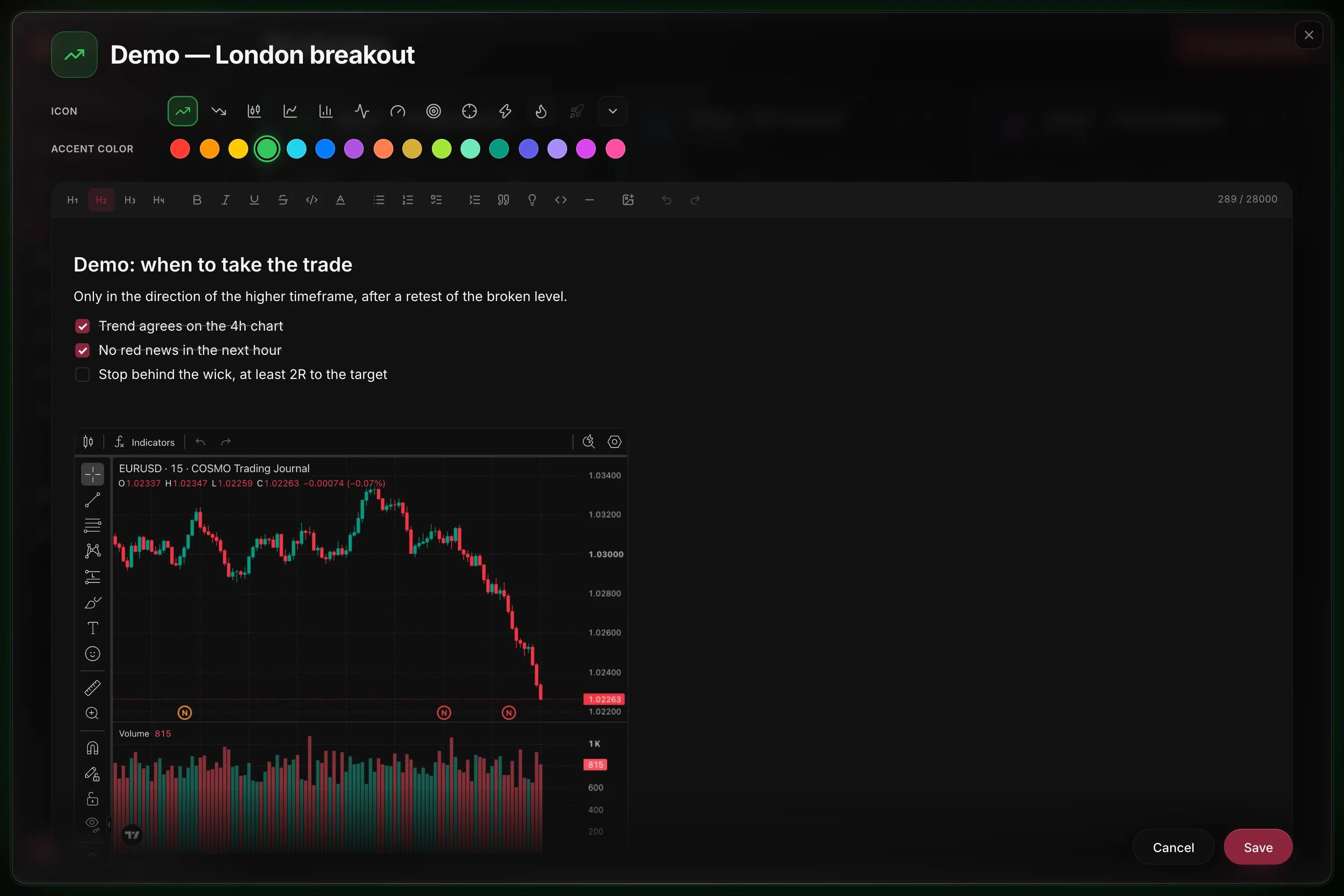
Create strategy at the top of the tab opens a window over the whole screen. The large line at the top is the name, and it is the only required field.
The buttons Cancel and Save stay at the bottom while you scroll. ⌘S or Ctrl+S saves from the keyboard. Esc and the cross close the window. If you’ve made changes, the app asks whether to save them before closing.
4.2.2Icon and colour
Icon has 36 pictures, for example Trend, Candles, Liquidity or Crown. One row is visible at first. The arrow Show all icons opens the rest, and Collapse icons folds them back.
Accent color has 16 colours. The colour goes to the icon, to the stripe of the card and to the label in the table of trades. Different colours for similar strategies make a long table easier to read.
Read also4.3 Text, pictures and drawing4.4 The tray of images