
The cards of strategies
A strategy is a written rule and a label on trades, and its card shows the result.
4.1.1What a strategy is here
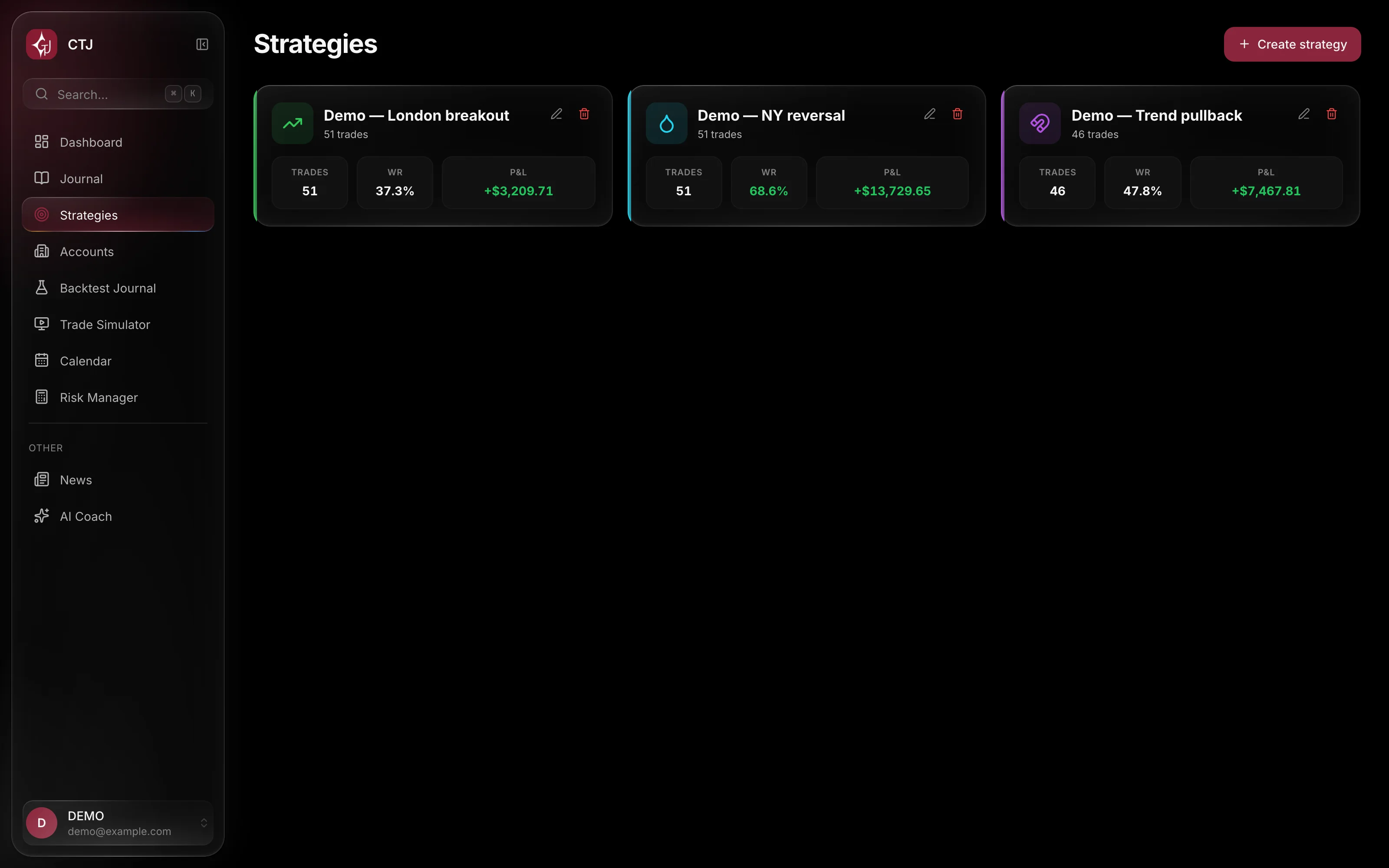
Strategies holds your trading rules. A strategy in CTJ has two sides. It is a document with text and pictures, and it is a label on your trades. With both, you can see whether a rule really earns money.
A written rule is easier to keep. When the document says "enter after the retest of the broken level, stop behind the wick, at least 2R", every trade can be checked against it.
4.1.2The cards
Each strategy has a card with its icon, colour and name. Under the name there are three figures. Trades is the number of trades with this strategy. WR is the share of winning trades. P&L is their total result in dollars. The figures come from real trades only.
A card has two buttons. opens the strategy. deletes it. Deleting a strategy does not delete trades. They stay in the journal without this label.
In Reader Mode, the eye button opens the strategy’s text and images. Double-click an image to enlarge it.
The plan limits the number of strategies. Starter has 1, Just has 3, PRO MAX has 12 and VIP has 1,000. Strategies of the Backtest Journal have a separate count.
4.1.3Using a strategy
A strategy begins to work when trades carry it. Choose it in the field Strategy of a trade. You can also set it as the default of a session, and every new trade there comes with the strategy filled in.
After this the strategy appears on the Dashboard in three places.
- Its chip stands in the row Strategy above the numbers. Select it to filter the dashboard figures by that strategy.
- A double click on the chip opens a window with its figures and its text.
- The card By Strategy compares all strategies by their result.
If a strategy shows a weak result over many trades, reread its document. Change the rule or stop using it.
Read also4.2 The strategy window3.5.7 Account and strategy2.2 One account or one strategy