
The guide · 12 Settings · 12.1
How to open them
Settings open from the menu of your profile at the bottom of the sidebar.
12.1.1How to get here
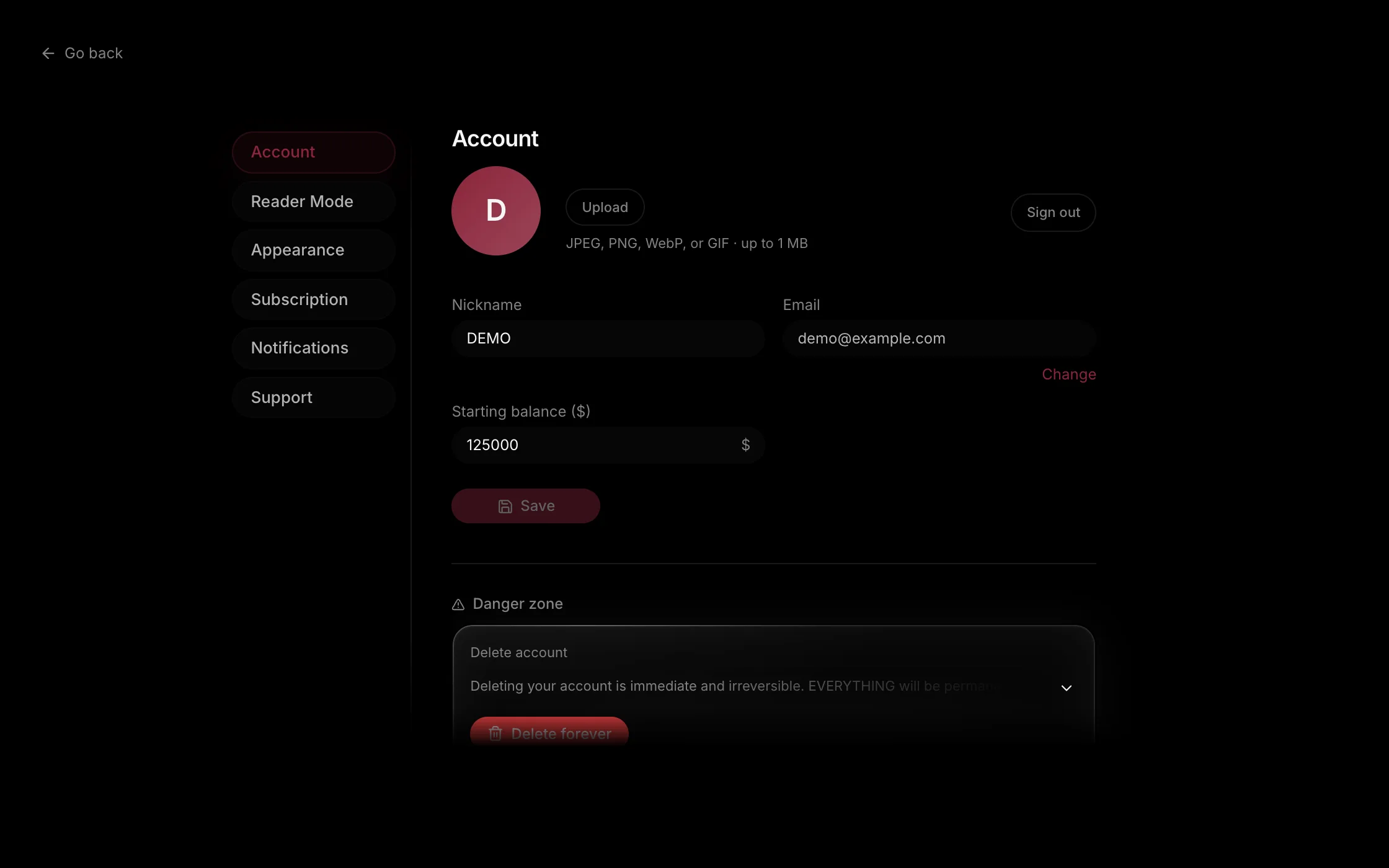
Settings is one tab with six sections of its own. To open it, click your name at the bottom of the sidebar and choose Settings in the account menu. Go back, at the top, returns you to the screen you came from.
The sections are on the left: Account, Reader Mode, Appearance, Subscription, Notifications and Support. Each is described below in the same order.
Read also1.4.3 The menu of your profile