
The guide · 12 Settings · 12.6
Notifications
The inbox inside the app, and which emails you receive.
12.6.1Messages inside the app
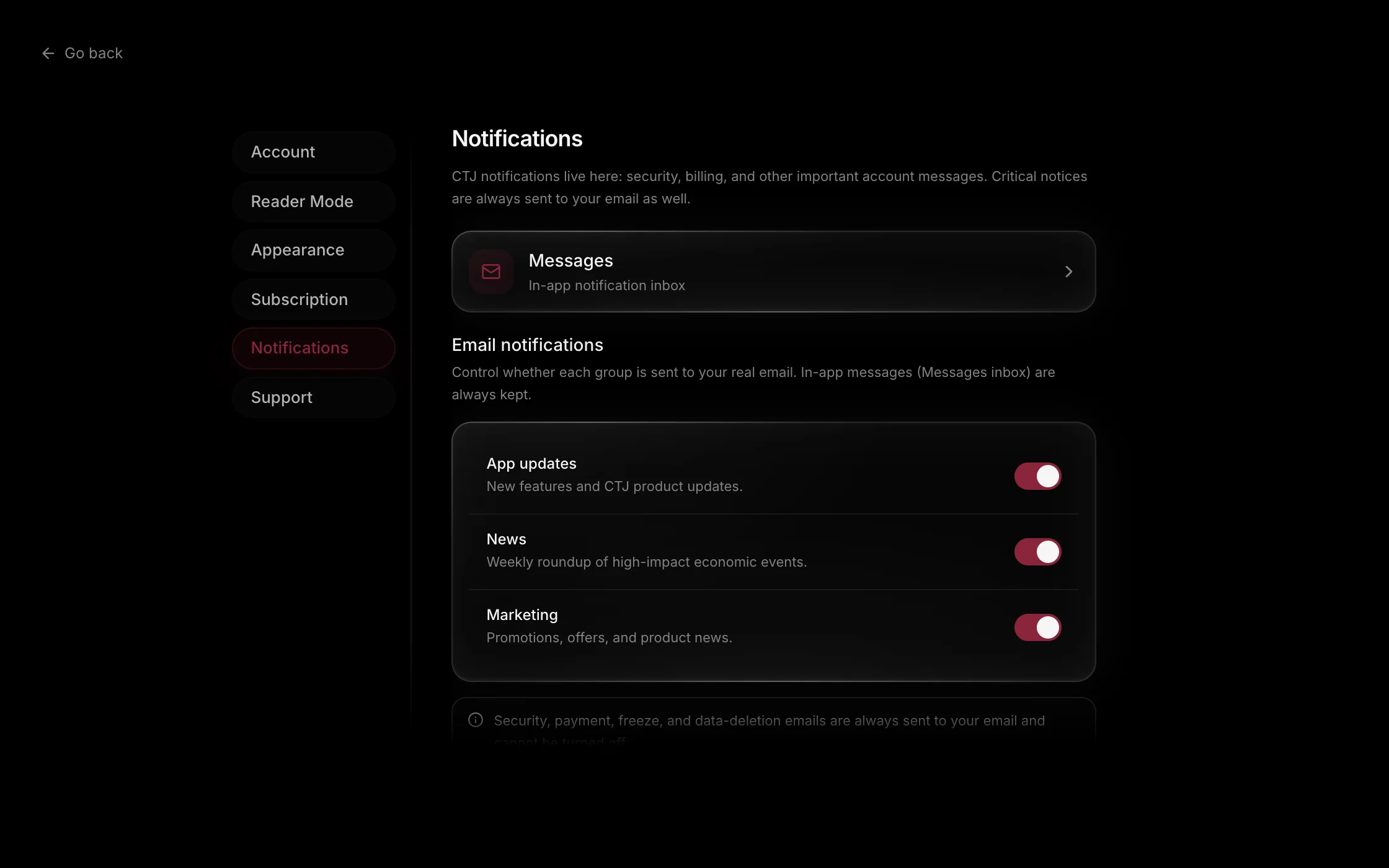
In Notifications, select Messages to open the inbox for security, billing and account messages. Unread ones are marked, and opening one marks it as read. Load more brings older ones.
To clear the app inbox, select Clear, enter delete and select Clear permanently. Copies sent to your email address remain in your inbox.
12.6.2Email
Email notifications has three switches for what goes to your real inbox:
- App updates: new features and product updates.
- News: a weekly roundup of high-impact economic events.
- Marketing: promotions, offers and product news.
Messages about security, payments, freezes and data deletion are always sent, and they cannot be turned off, because missing one of those could cost you your data. Turning a switch off does not touch the in-app inbox.
Read also12.2.3 Email1.6.4 When a trial or a subscription ends