
Calendar
Every day and month of your real trading in profit and loss.
8.1The month
Your real trades laid over the calendar, one cell per day.
8.1.1Your trading, day by day
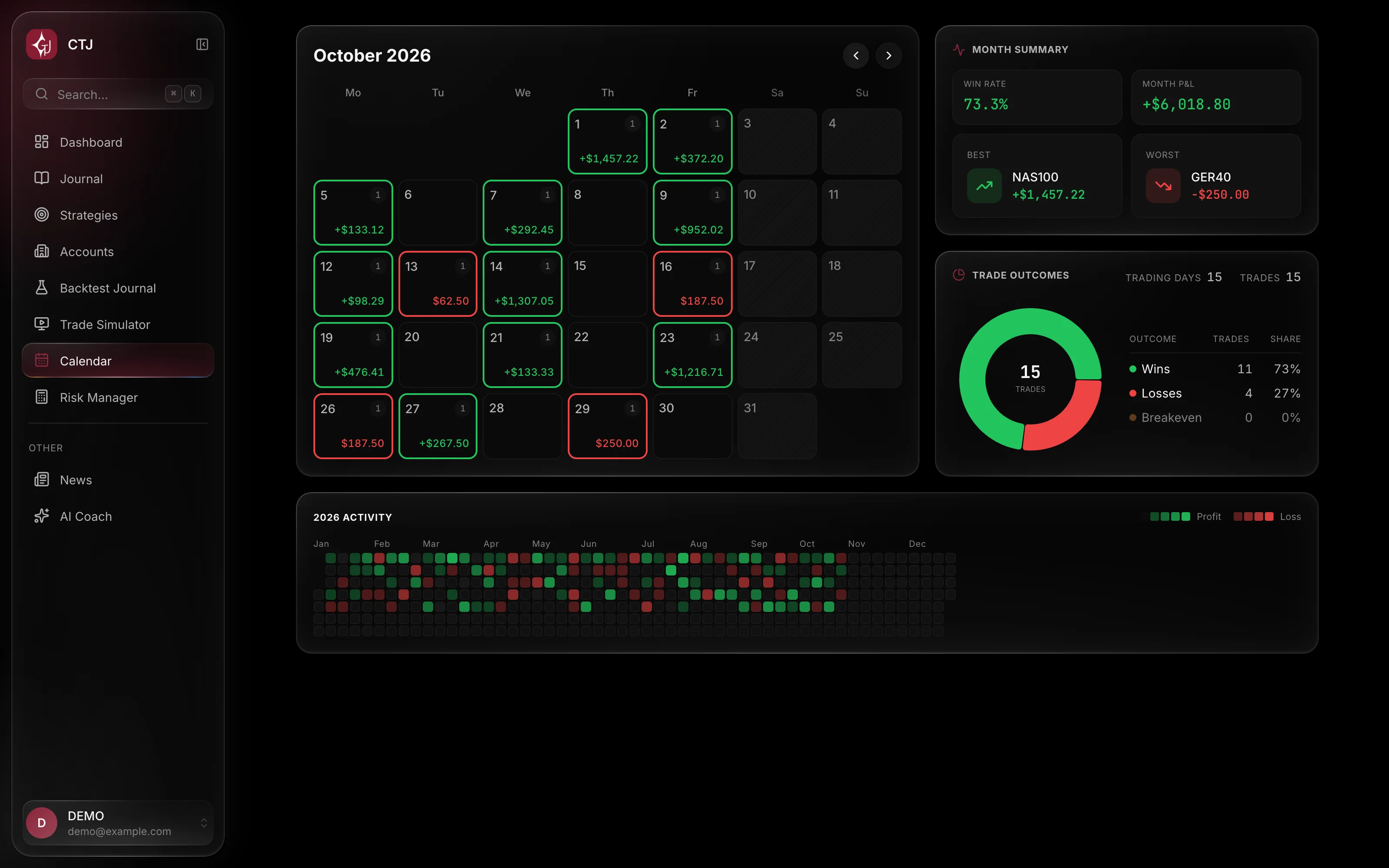
Calendar shows your real trades by day. The calendar excludes trades that belong only to hidden sessions and trades locked by your plan's limits.
You do not enter anything here. As soon as a trade is saved with its date, it appears on its day.
8.1.2Reading a day
Each trading day is a cell with a coloured frame: green for profit, red for loss and yellow when the day's total is zero. The corner shows its number of trades, and the bottom shows the result in money, or BE if the day came to exactly zero. Days with no trades stay empty, weekends are striped and today is marked.
The calendar opens on the current month. Use the arrows and next to the month's name to move between months and years. The week starts on Monday.
8.2Month summary and the year
Win rate, result, best and worst trade of the month, outcomes, and a map of the whole year.
8.2.1Month summary
The Month summary card shows the share of trades with positive P&L under Win rate and the total under Month P&L. Best and Worst show the symbol and amount of the most profitable trade and the largest loss in the selected month.
8.2.2Trade outcomes
The Trade Outcomes card groups the month's trades by their recorded outcome. The ring and table show the count and share for each outcome: Wins, Losses and Breakeven. The total number of trades and trading days is shown above the ring.
8.2.3The year
Under the month is a map of the whole year, one small square per day and one column per week, with the names of the months above. Green shows profit and red shows loss. The shade reflects the size of the day's result compared with other days in the selected year. Scroll right if the full map does not fit on screen.