
The list of accounts
An account is a record you create yourself: CTJ does not connect to your broker.
5.1.1What an account is for
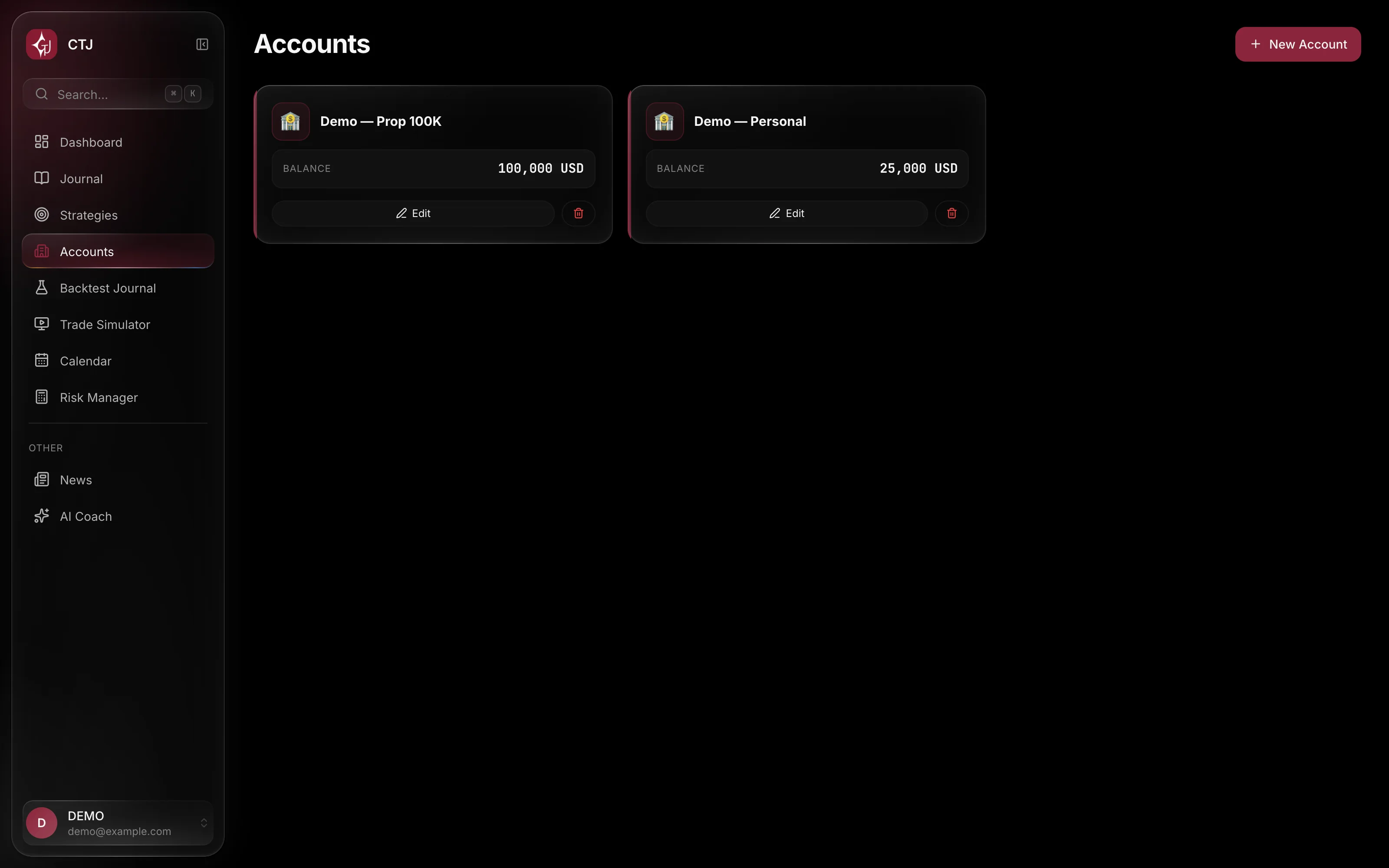
Accounts is the list of places where you trade. It can hold a personal broker account, a funded account, a demo or money you manage for somebody. You create an account by hand in a few seconds. CTJ does not connect to a broker and takes nothing from it.
Mixed results are hard to read. A day of 500 dollars means one thing on a funded account of 100,000 and another on a personal account of 5,000. When every trade says where it was taken, the Dashboard can show each account alone.
5.1.2The cards
A card shows the emoji, the colour, the name and the type of an account. Balance is the starting sum you entered. The beginning of your note and small copies of the pictures stand under it.
Edit opens the window of the account. deletes it. Deleting an account does not delete trades. They stay in the journal without this account. The pictures of the account are deleted with it.
The results of an account are on the Dashboard. Press its chip in the row Account to count the page for this account only. Double-click the account chip to open its summary, or select the account and click Details →. It has Net P&L, the number of trades, Winrate, PF, Avg RR and Max DD, counted from the starting balance of this account.
5.1.3How many you can have
Starter has 1, Just has 3, PRO MAX has 12 and VIP has 1,000. Accounts of the Backtest Journal have a separate count.
Read also5.2 The account window3.5.7 Account and strategy2.2.2 The window with details